

The Chatwoot Integration for WHMCS addon allows you to pass various useful information about your customer to Chatwoot.
First, make sure that you setup the live chat widget correctly by following the guide in the link below:
How to Setup Chatwoot Live Chat Widget
Next, to pass the custom attributes, use the following table to create the custom attributes in your Chatwoot account. You can create the custom attributes either as conversation custom attributes or contact custom attributes. To learn how to setup custom attributes in your Chatwoot account, follow the official guide in the link below:
https://www.chatwoot.com/hc/user-guide/articles/1677502327
When you create the custom attribute in Chatwoot, make sure the custom attribute key matches one of the values in the table below.
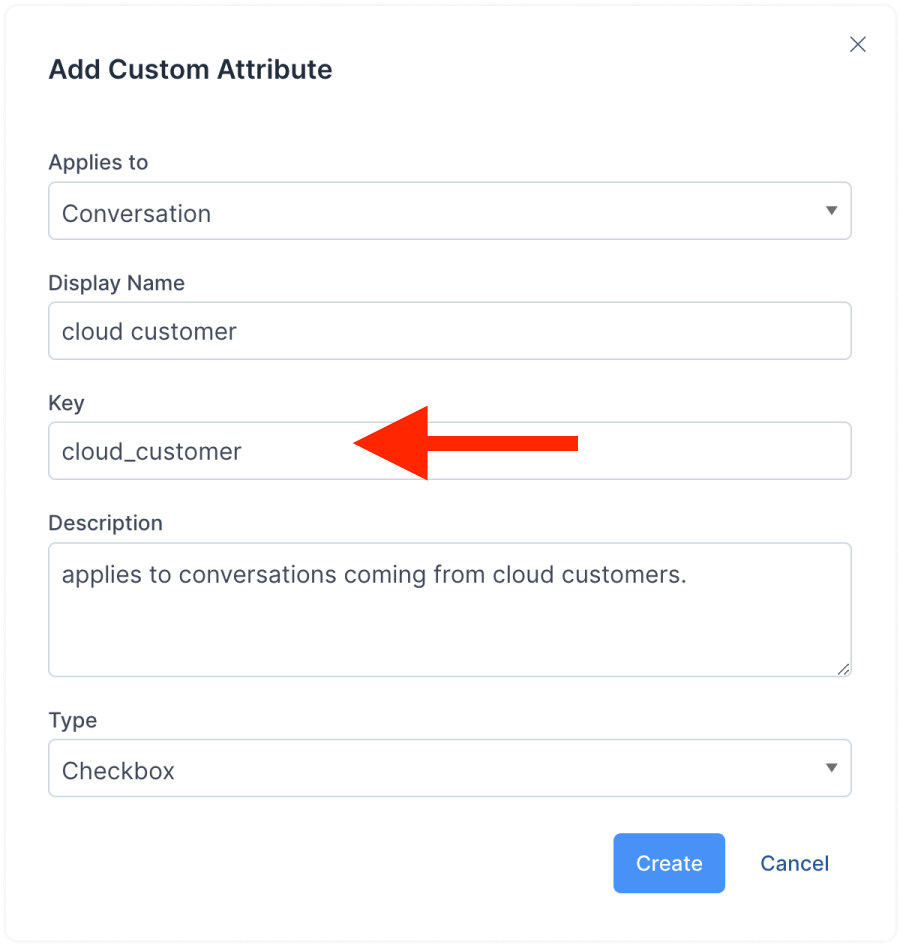
Custom Attributes Supported by the Addon:
| Custom Attribute Key | Custom Attribute Type | Information Passed |
|---|---|---|
client_id |
number | The client ID in WHMCS |
client_phone_number |
number | The client's phone number in WHMCS |
language |
text | The client's language |
city |
text | The client's city in WHMCS |
state |
text | The client's state in WHMCS |
post_code |
text | The client's postcode in WHMCS |
country |
text | The client's country in WHMCS |
active_tickets |
number | The number of active tickets for the client in WHMCS |
credit_balance |
text | The client's credit balance in WHMCS |
revenue |
text | The revenue generated by the client |
unpaid_invoices |
number | The number of the client's unpaid invoices |
outstanding_total |
text | The total of the client's unpaid invoices |
overdue_invoices |
number | The number of the client's overdue invoices |
account_overdue |
text | The total of the client's overdue invoices |
last_visited_page |
link | The current page the client is browsing |